Introduction
What neonto Graph IDE is
neonto Graph IDE is a commercial VS Code extension that adds language intelligence, validation, reasoning, and ETL tooling for the RDF ecosystem — Turtle, SPARQL, TriG, SHACL, YARRRML/RML, and more — directly inside the editor. A built-in Model Context Protocol (MCP) server also lets your AI coding agents leverage these same RDF tools.
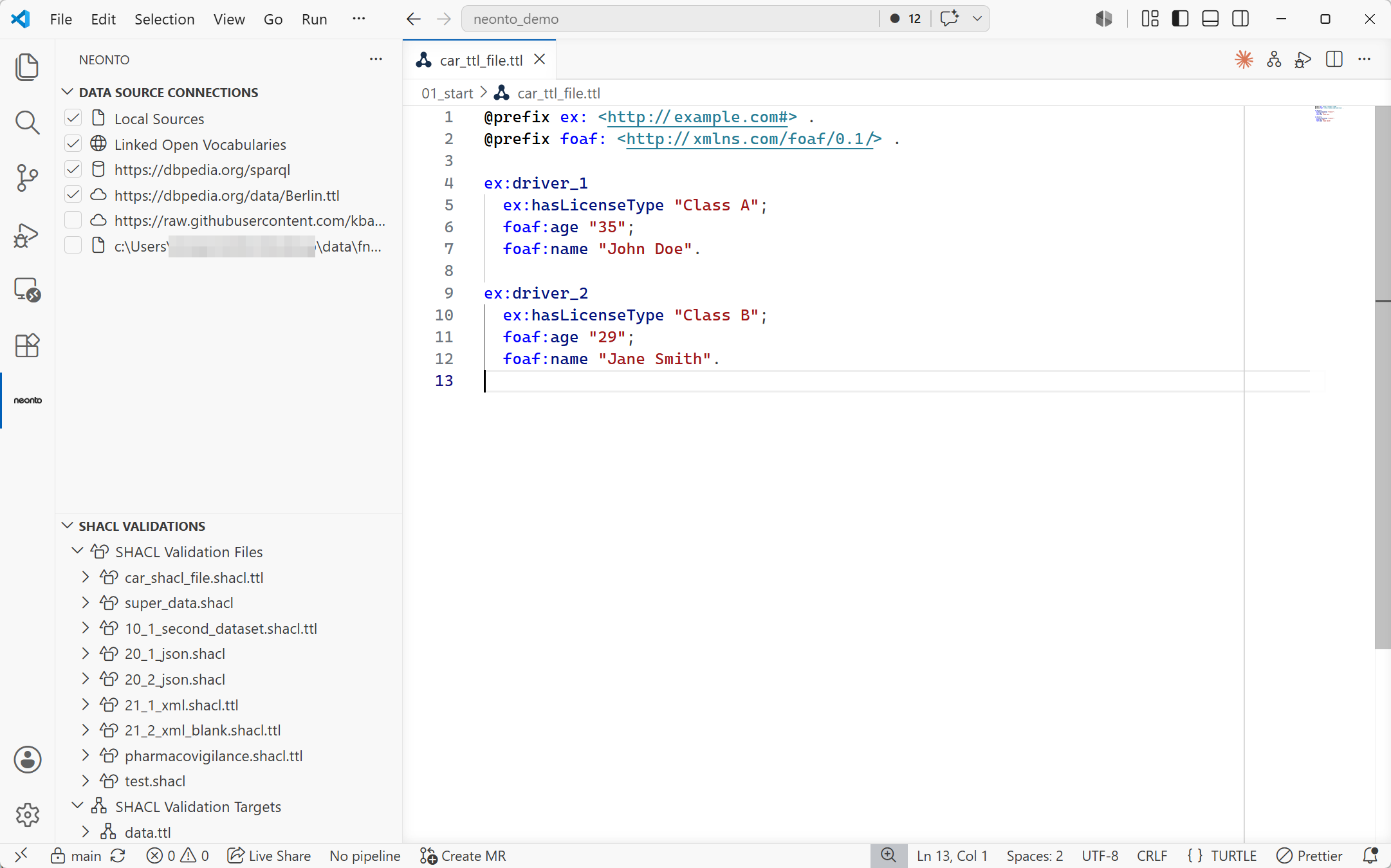
Figure 1. The neonto editor in VS Code.
Who it's for
neonto brings all these capabilities into a single integrated workspace, serving:
- Ontology authors designing, editing, and validating vocabularies and knowledge graphs.
- Data engineers building, executing, and troubleshooting ETL ingestion pipelines from tabular or JSON sources into RDF.
- Teams working on FAIR (Findable, Accessible, Interoperable, Reusable) and linked-data initiatives who need to query, validate, and reason over project data.
- Developers pairing with AI coding agents who want to equip their agents with these same editor-grade RDF tools.
Supported formats and vocabularies
- Editing — Turtle (including SHACL shapes), TriG, N-Triples/N-Quads, SPARQL, and YARRRML get the full language features: highlighting, completion, hover documentation, and diagnostics.
- Data sources — RDF data can additionally be loaded as JSON-LD or RDF/XML, from local files or remote URLs.
- Mapping output — YARRRML mappings convert to RML or R2RML for triple generation.
- Vocabularies — Completion and hover resolve terms from common vocabularies (RDF/RDFS, OWL, SKOS, schema.org) and the Linked Open Vocabularies (LOV) registry automatically out of the box. You can also import your own custom local or remote vocabulary files.
See File Formats for the extension-by-extension list.
Commercial licensing
neonto editor is a commercial extension. Most features require a valid license and an active login. To get access or a license, contact support@neonto.de. See License & Login for how to authenticate.