Endpoint Credentials
This page covers adding a SPARQL endpoint that requires authentication, and how neonto handles the credentials you provide.
Adding an authenticated endpoint
- In the Data Source Connections view, select
Add Data Source(the+icon) and pick Add SPARQL Endpoint, or runneonto: Add SPARQL Endpointfrom the Command Palette. - Enter the endpoint URI when prompted.
- Enter a username for Basic authentication when prompted. Leave it empty to add the endpoint without authentication.
- If you entered a username, you are prompted for a password.
- If
neonto.langServer.sparqlStoreCredentialsis unset for this workspace, neonto asks "Store credentials for future use?". See The persist-credentials setting. - neonto verifies the endpoint is reachable with the given credentials before adding it. If verification fails, you see an error and the endpoint is not added.
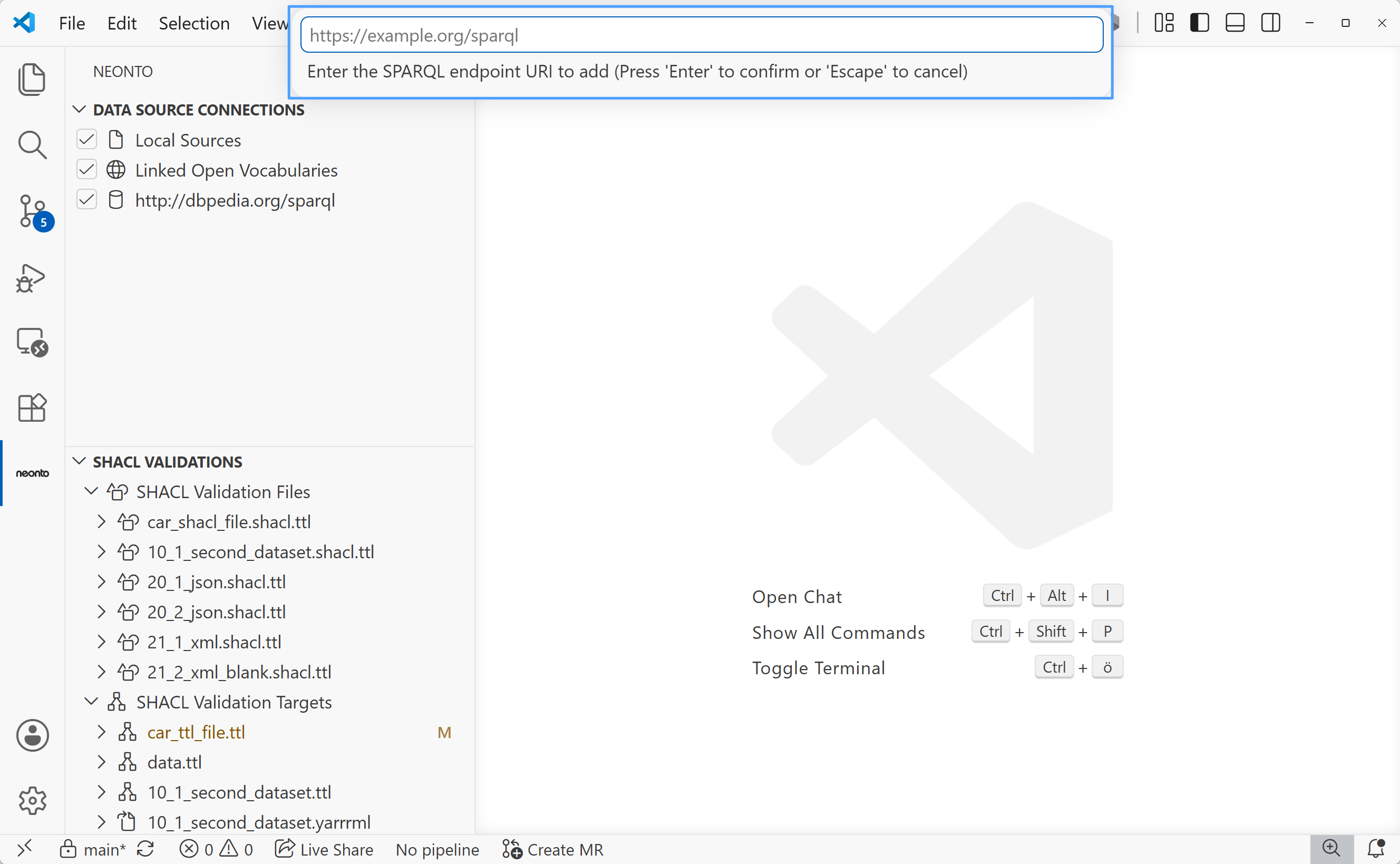
Step 2 — enter the endpoint URI.
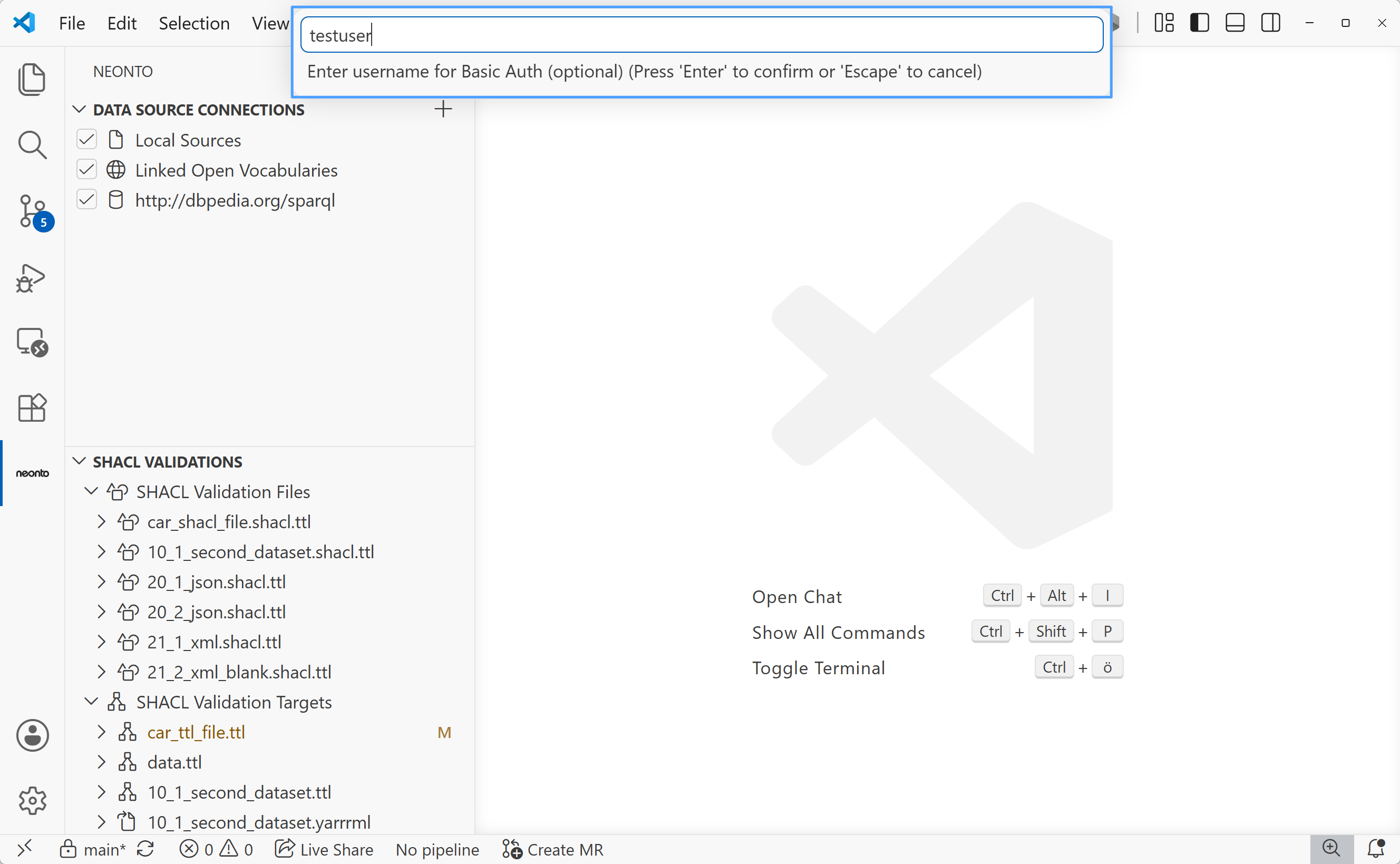
Step 3 — enter a username for Basic authentication, or leave empty to skip.
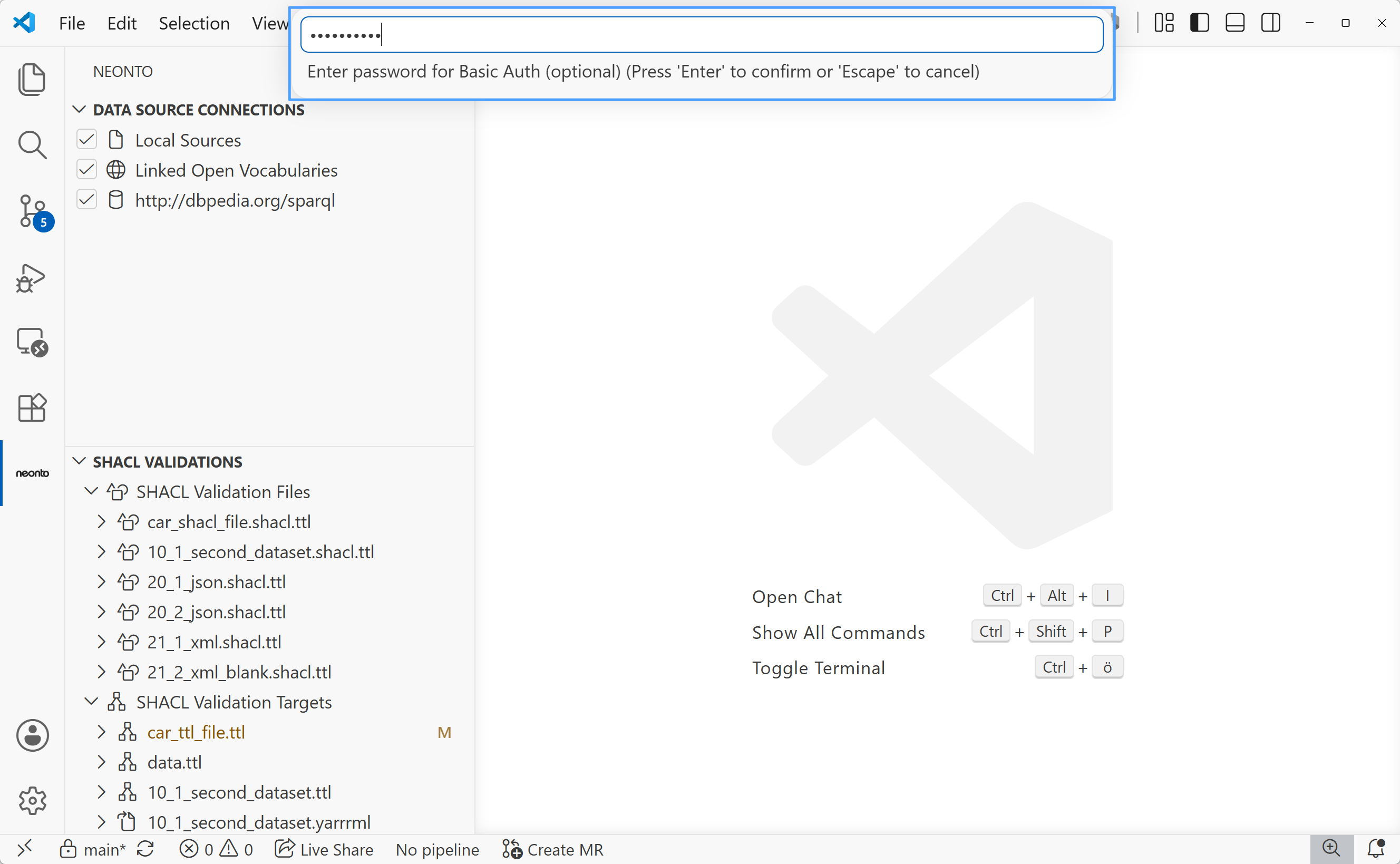
Step 4 — enter the password (input is masked).
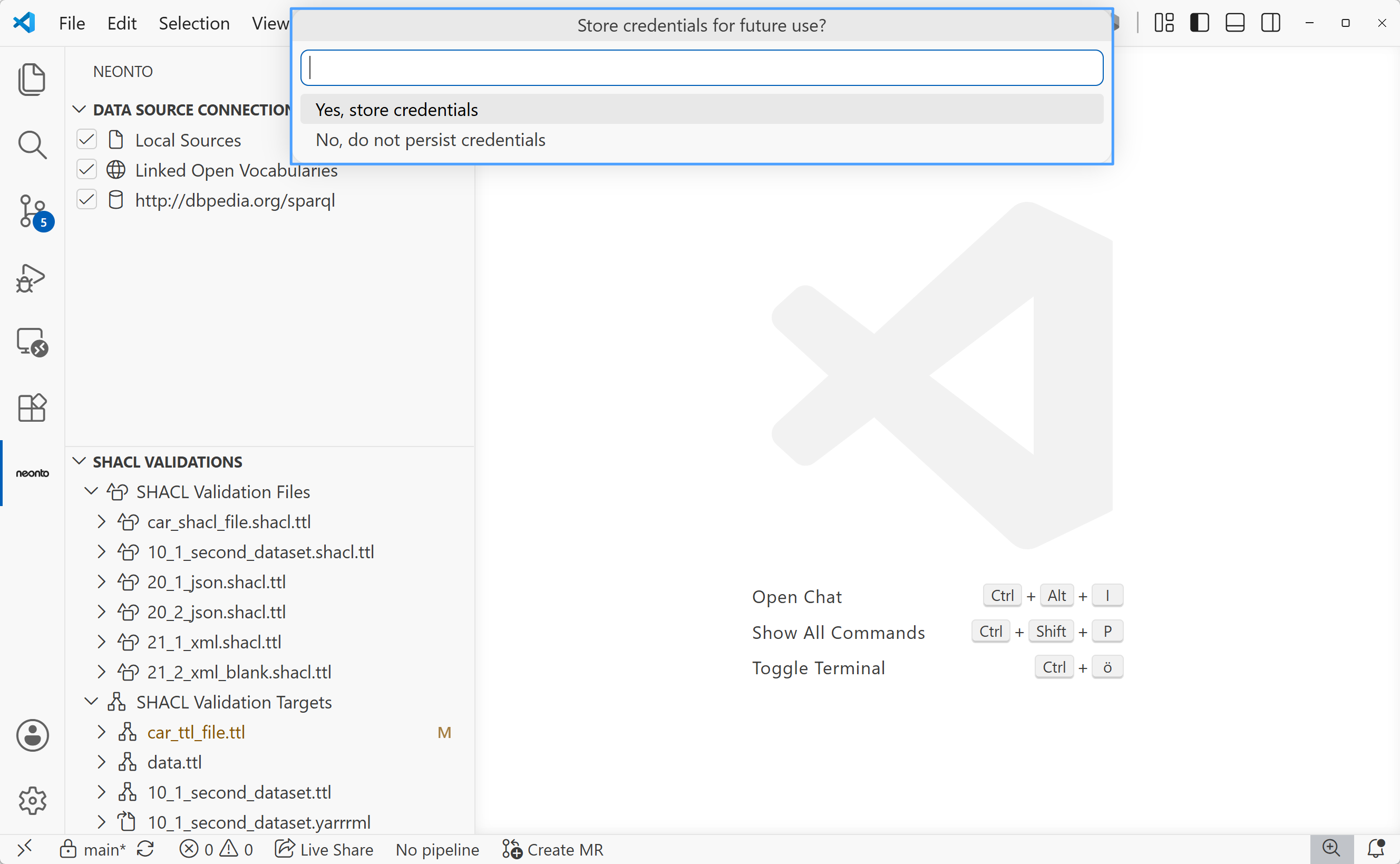
Step 5 — choose whether to persist the credentials in VS Code's secret storage.
Once added, the endpoint appears in the Data Source Connections view labeled <uri>@<username> and is immediately usable for completion, hover, and as a SPARQL query target (see Data Sources and SPARQL).
The persist-credentials setting
The prompt in step 5 sets neonto.langServer.sparqlStoreCredentials. This setting has no default value. neonto asks you only once for each workspace:
- Choosing "Yes, store credentials" sets it to
true— future endpoints you add with credentials are persisted automatically without asking again. - Choosing "No, do not persist credentials" sets it to
false— future credentials are used for the session but not persisted.
You can review or change this setting in Settings. Open Settings with Ctrl+,, then search for neonto.langServer.sparqlStoreCredentials. If you clear the setting, neonto asks again when you add an authenticated endpoint.
Security & Storage
- Stored securely: When persistence is enabled, VS Code stores your credentials securely rather than in plain text or workspace settings files.
- Easy removal: Removing a SPARQL endpoint (
neonto: Remove SPARQL Endpointor via the Data Source Connections view) automatically deletes its credentials from Secret Storage. - Best practices: Only persist credentials on trusted personal devices. On shared or temporary machines, select "No, do not persist credentials" and re-enter credentials per session instead.